A suspended Google Merchant Center account is one of the most serious problems faced by eCommerce store owners, as it directly stops product visibility and paid ads, leading to sales losses.
In this complete 2026 guide, IT Lista explains the most effective methods to fix Google Merchant Center account suspension permanently and recover your account in full compliance with Google’s latest policies.
What Does Google Merchant Account Suspension Mean?
Account suspension means Google has detected a policy violation, which results in stopping product listings and ads. This usually appears through messages such as:
- Google Merchant suspended
- Google Merchant policy violation
At this stage, taking the correct actions quickly is critical to avoid permanent suspension.
Main Reasons for Google Merchant Center Suspension
Based on IT Lista’s experience, the most common reasons include:
- Inaccurate or misleading product information
- Website data mismatch with Google Merchant Center
- Violating Google advertising policies
- Payment or shipping issues
- Prohibited or restricted products
- Missing essential pages such as privacy policy, refund, and return policies
These issues are among the most common Google Merchant Center problems.
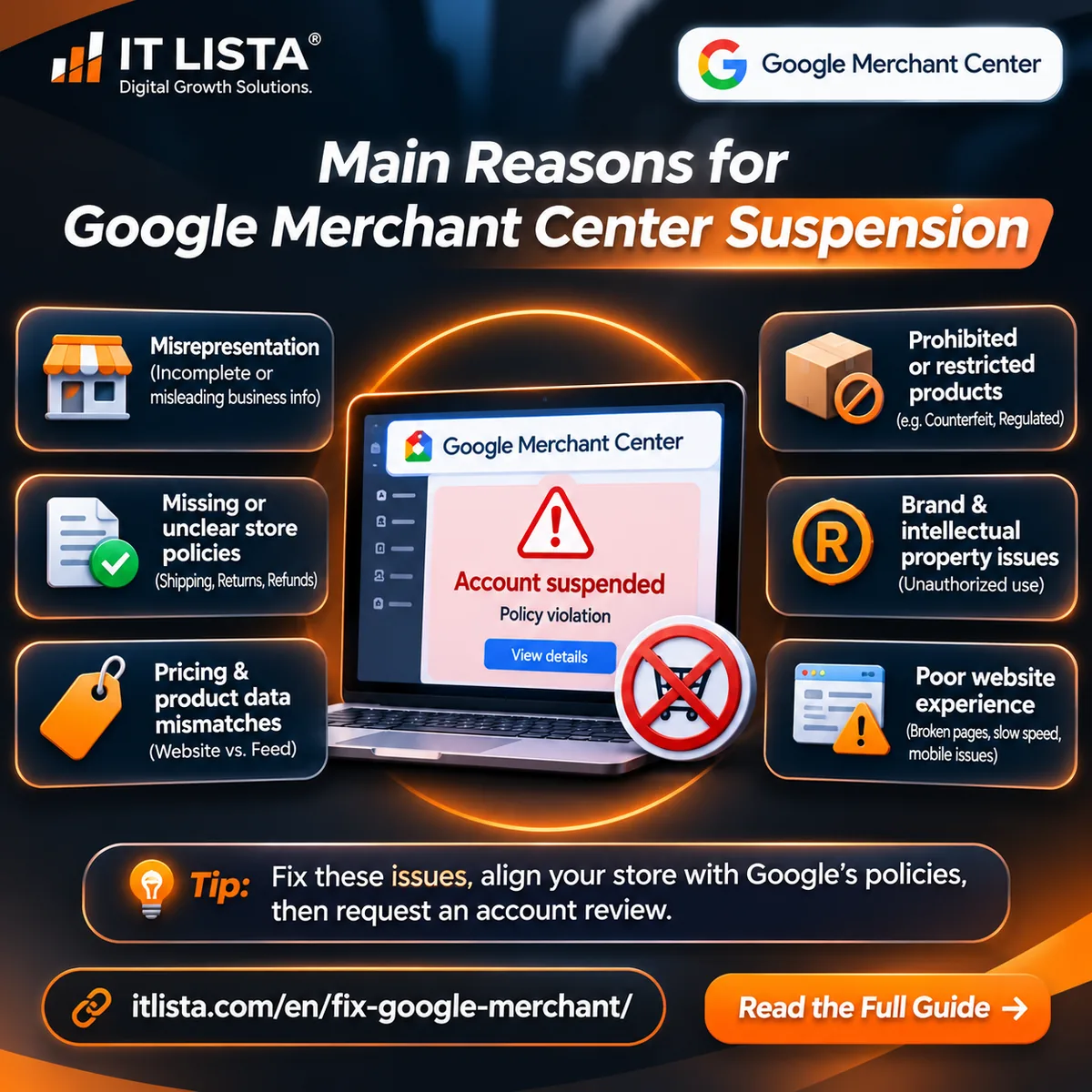
Why Does Google Merchant Center Suspend Accounts?
A Google Merchant Center account suspension can result from misrepresentation, inaccurate product information, missing shipping or refund policies, restricted products, intellectual property violations, or a poor website experience.
IT LISTA specializes in diagnosing Google Merchant Center suspension issues for Shopify, WooCommerce, Salla, and other eCommerce platforms. Our technical audits examine business information, product feeds, website policies, and account-level violations to identify the corrections needed before requesting a Google review.
If your account displays “Account suspended,” “Misrepresentation,” “Website needs improvement,” or “Unacceptable business practices,” explore our Google Merchant Center troubleshooting guide to understand the possible causes and next steps.
IT LISTA provides independent Merchant Center troubleshooting services and is not affiliated with Google. Account reinstatement is subject to Google’s review and policies.
Google Merchant Center Suspension Errors Explained
When a Merchant Center account is suspended, the exact policy message determines what you need to investigate. An account-level suspension is different from a product-level disapproval.
Misrepresentation Suspension
Review business identity, product claims, contact information, store policies, pricing and checkout transparency.
Explore Merchant Center troubleshootingMerchant Center Account Suspended
This describes the account status. Open the policy details to identify the underlying violation before requesting another review.
Website Quality Issues
Check broken pages, mobile usability, product information, contact details, checkout and customer-facing policies.
Unacceptable Business Practices
Investigate potentially misleading business information, offers, claims, and material details about the shopping experience.
Counterfeit Product Violations
Verify product authenticity and brand-related claims. Changing a product’s condition does not make counterfeit goods eligible.
Review Status and Restrictions
Check whether the account is already under review, has pending verification requirements, or is subject to a cool-down period.
How to Fix a Suspended Google Merchant Center Account
Use the following process to diagnose the suspension and prepare your account for review without making random changes.
Identify the exact policy violation
Open Merchant Center and inspect the account-level setup and policy issues. Review the affected countries and read the complete violation notice.
Verify your business information
Confirm your business name, website, contact information and any required verification documents.
Audit your online store
Review shipping, returns, refunds, customer support, product pages, mobile usability and checkout.
Correct product feed inconsistencies
Compare prices, availability, currencies, product condition, images and identifiers between the website and Merchant Center.
Resolve related policy issues
Review prohibited products, authenticity concerns, misleading claims and any other outstanding account restrictions.
Confirm corrections are live
Test the affected product pages and checkout. Make sure corrected product data has reached Merchant Center.
Request an account review
When eligible, use the available review process after resolving the underlying violations. Choose the appropriate option based on your account’s situation.
Monitor the review outcome
Track the review status and any additional requests from Google. Review times vary, and reinstatement is not guaranteed.
Official reference: Google Merchant Center review guidance .
Related Google Merchant Center Troubleshooting Guides
Some issues require a dedicated technical investigation. Use these IT LISTA resources to identify the next step.
All Merchant Center Errors
Troubleshoot account issues, product disapprovals, feeds and store compliance.
Read the complete troubleshooting guideShopify Merchant Center Issues
Investigate Shopify product synchronization, business information, Markets and policies.
Read the Shopify guideSalla Misrepresentation
Review Merchant Center policy problems affecting Salla-based online stores.
Read the Salla guideApproved Products Not Showing
Find out why approved products may still have limited Google Shopping visibility.
Read the product visibility guideFrequently Asked Questions About Merchant Center Suspension
Why was my Google Merchant Center account suspended?
Common causes include policy violations, misleading business information, restricted products and problems with the website or shopping experience. Check the exact account-level issue before making changes.
How do I fix Google Merchant Center Misrepresentation?
Review business transparency, policies, product data, pricing, checkout and account information. Resolve the underlying inconsistencies before requesting another review.
Why is the Request review button unavailable?
A review may already be in progress, a cool-down period may apply, or verification requirements may still be incomplete.
How long does Merchant Center suspension review take?
Review times depend on the issue and Google’s review process. Check the status shown in your Merchant Center account for current information.
Can I recover my suspended Merchant Center account?
Recovery may be possible after correcting the violations and completing Google’s review process. Approval is not guaranteed.
Should I create a new Merchant Center account?
Do not create a replacement account to circumvent an existing suspension. Resolve the original policy issue.
Need Help With a Suspended Merchant Center Account?
IT LISTA can review your store, Merchant Center diagnostics, product feed and policy issues to identify the corrections required before another account review.
Request a Suspension Audit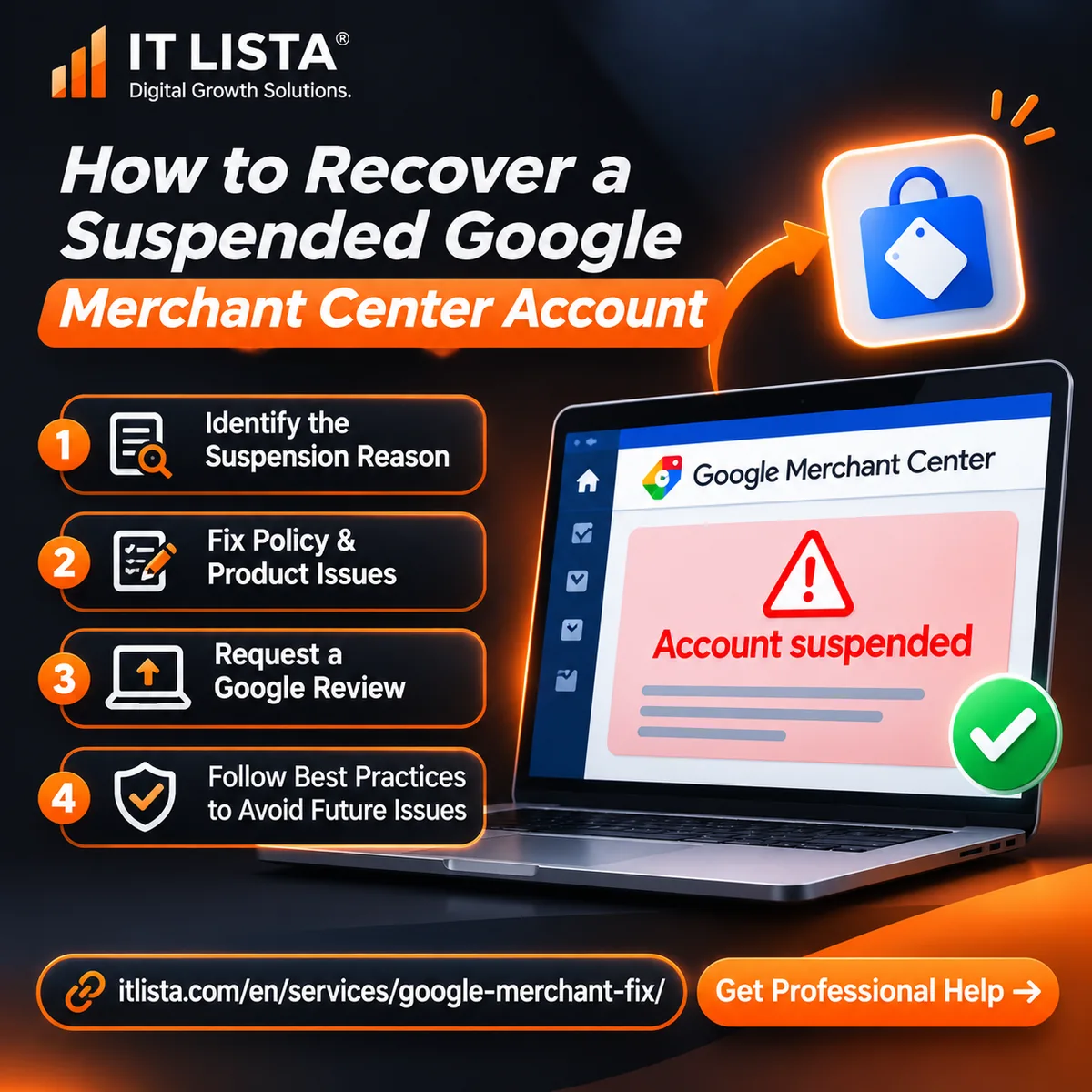
How to Recover a Suspended Google Merchant Center Account
A suspended Google Merchant Center account requires a systematic review of policy violations, website information, product data, and account settings. Correcting the underlying problems before requesting a review can help avoid repeated rejections.
IT LISTA provides Google Merchant Center suspension troubleshooting services for Shopify, WooCommerce, Salla, and other eCommerce platforms. Our work includes compliance audits, product feed diagnostics, policy corrections, and account review preparation.
Need professional help with an Account suspended or Misrepresentation warning? Explore our Google Merchant Center Suspension Recovery Service to request a technical assessment of your store and Merchant Center account.
Request a Merchant Center Suspension AuditIT LISTA is an independent service provider and is not affiliated with Google. Account reinstatement is determined by Google and cannot be guaranteed.