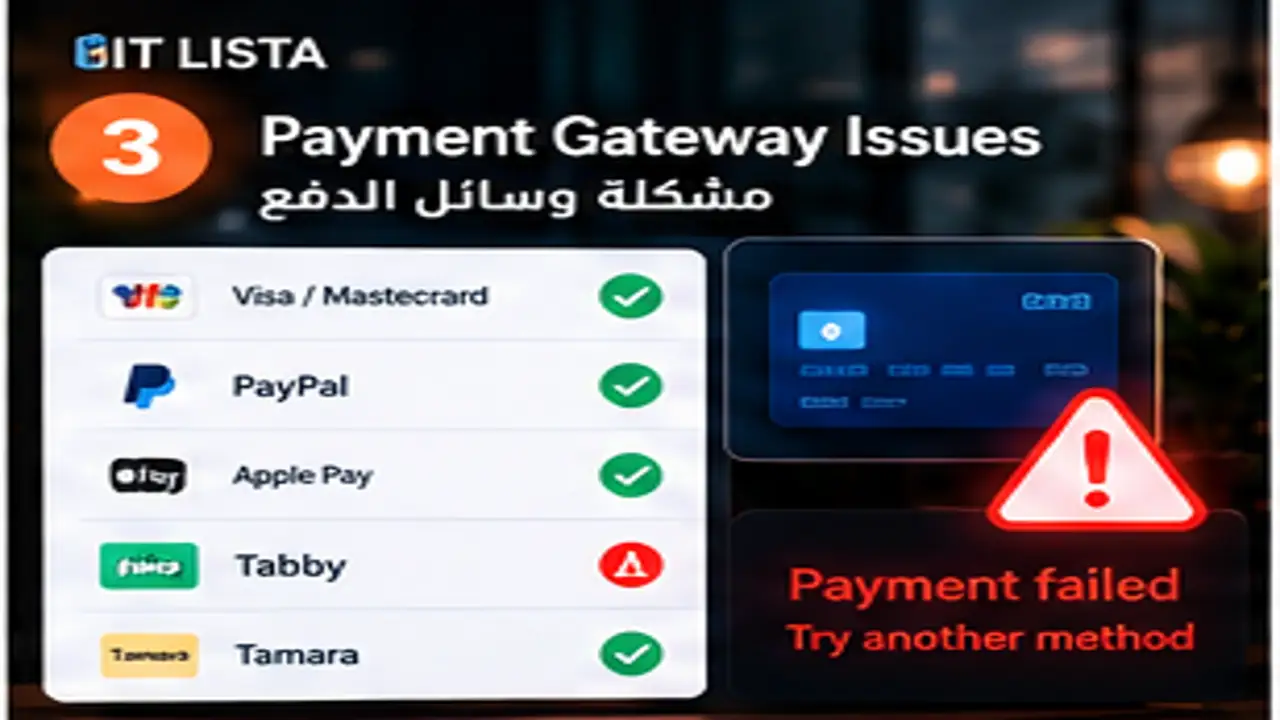
Ecommerce Payment Gateway Problems: Diagnose Failed Payments and Checkout Errors
Short answer: Do not troubleshoot ecommerce payment gateway problems by randomly replacing plugins or themes. Trace the customer journey from product to cart, checkout, payment, order, fulfillment and tracking. IT LISTA audits the store as one system because a visible checkout symptom can originate in an integration, cache layer, JavaScript conflict or commercial setting elsewhere.
First diagnosis: frontend, backend or integration?
Reproduce the issue on mobile and desktop, with guest or registered flows where relevant, and inspect console, network requests, logs and platform settings. Establish the normal failing scenario before disabling components so the root cause remains observable.
IT LISTA ecommerce and web development services
Checkout, cart and payments: the highest-risk revenue zone
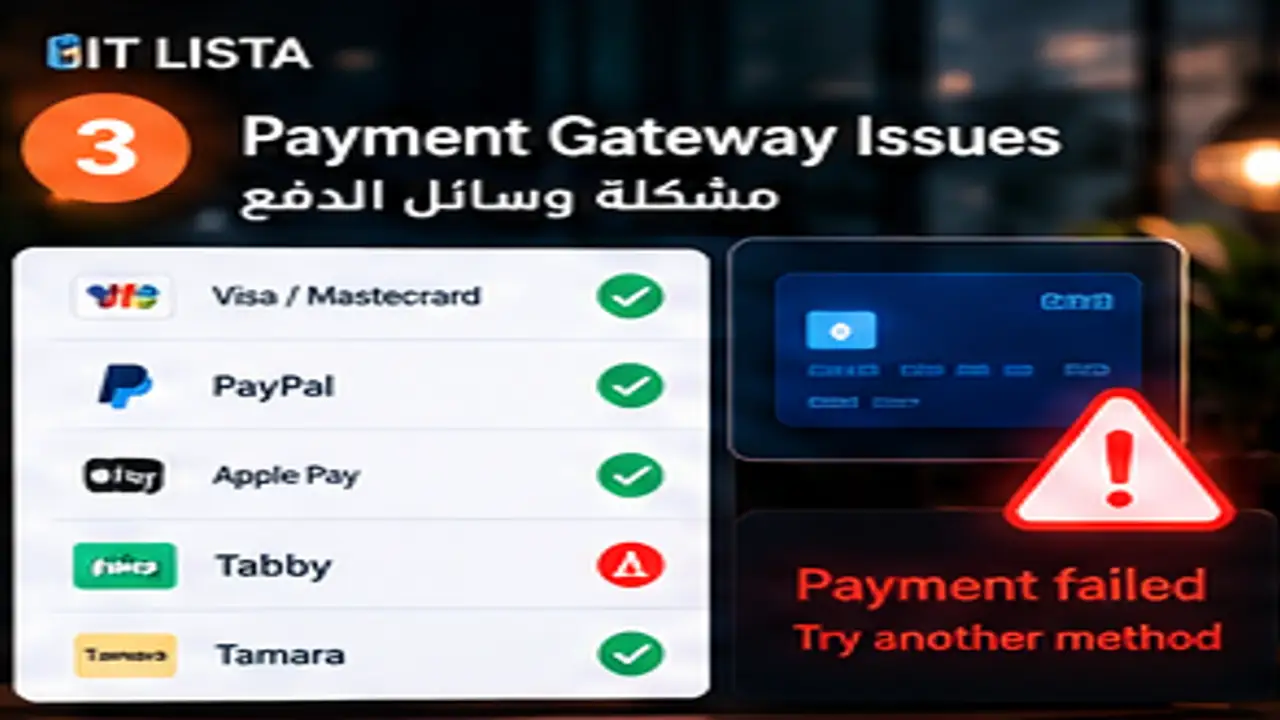
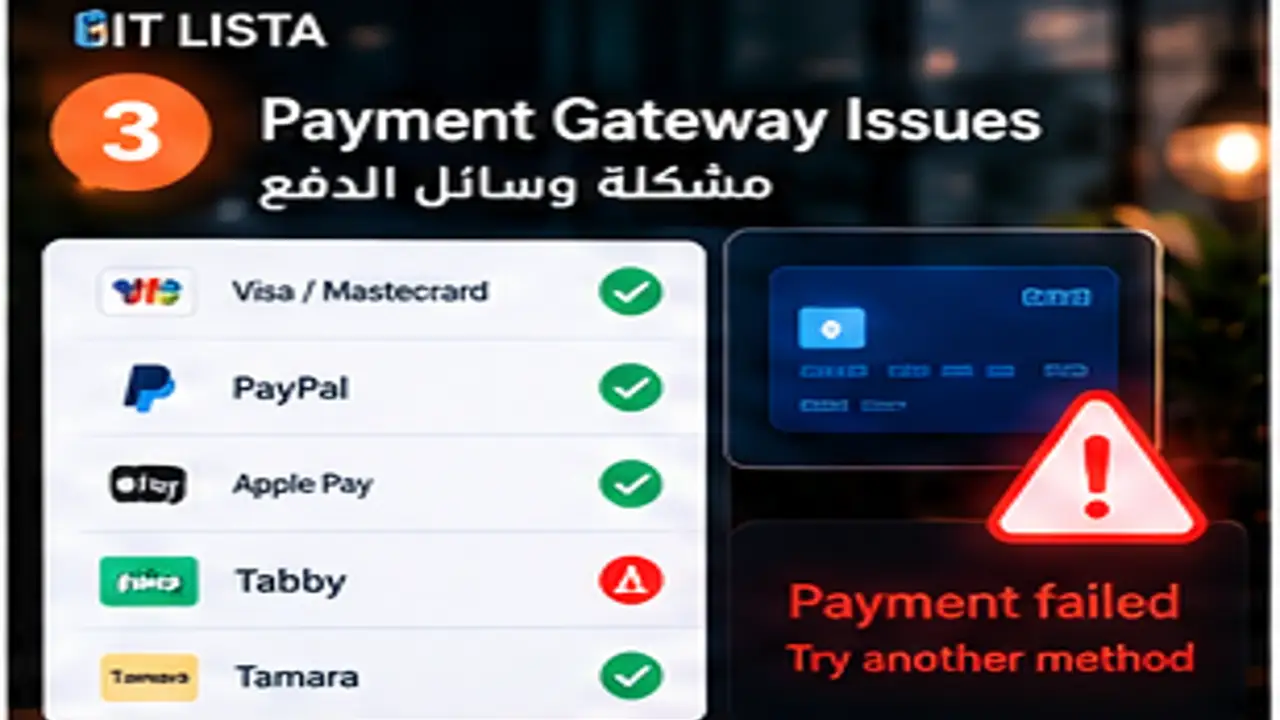
Test add-to-cart, quantity changes, coupons, shipping address, rates, tax, payment method, redirects/callbacks, order creation and confirmation. A failed payment can originate in issuer decline, gateway configuration, currency or country restrictions, webhook behavior or a JavaScript conflict.
Products, variants and inventory
Review publication status, visibility, category or collection membership, stock, variants, SKU, pricing and media. For variable products, confirm every valid combination has the expected price and inventory and that option-selection scripts are not conflicting with the theme or apps.
Shipping and tax are business rules
Shipping can depend on country, region, weight, order value, profiles, zones and exceptions. Tax behavior depends on market configuration and how prices are displayed. Avoid copying settings between markets without validating the actual business requirements.
IT LISTA GA4, GTM and ecommerce tracking
Performance: do not remove the store’s functionality to make it fast
Identify whether images, JavaScript, apps/plugins, theme code, fonts, third-party scripts, server/database work or a large DOM is the bottleneck. Improve priorities while preserving cart, checkout and measurement. Core Web Vitals matter, but commercial stability matters too.
Mobile UX
Review navigation, search, filters, product gallery, variant selector, sticky CTA, forms, cart drawer, checkout and contact actions across screen sizes. A covered button or uncloseable popup can make an otherwise healthy advertising campaign look ineffective.
Retest tracking after every commerce fix
Checkout, theme and app changes should be followed by tests for view item, add to cart, begin checkout, purchase, order value, currency and transaction ID. Otherwise sales can improve while ad platforms continue learning from incomplete data.

IT LISTA Merchant Center troubleshooting for Shopping stores
Resolution checklist
- Reproduce and document the issue before changing the store.
- Use backup or staging for changes that can affect revenue.
- Test guest, mobile and critical commercial journeys.
- Inspect logs, console, network and webhooks as relevant.
- Test payments, shipping, tax and discounts with market-appropriate data.
- Confirm SEO URLs, schema and tracking remain intact.
- Run an end-to-end order and monitor errors after deployment.
Shopify vs WooCommerce vs Salla
The same symptom can have a different cause on each platform. Shopify issues often involve themes, apps, Markets, checkout or integrations; WooCommerce can be affected by plugins, themes, hosting and database behavior; Salla has its own configuration and integration environment. Diagnose the actual platform, not only the symptom name.
Turn the repair into a growth opportunity
After stability returns, review conversion rate, drop-off, search, product pages, checkout friction, measurement and Merchant/Ads connections. The goal is not merely a store that loads; it should be sellable, measurable and scalable.
Frequently asked questions
Should I disable every app first?
No. Controlled isolation can help diagnosis, but random changes on a live store can break other functions and remove evidence.
Is every payment error caused by the payment gateway?
No. Currency, country, validation, callbacks, webhooks, JavaScript and shipping/product settings can all contribute.
Can store speed improve without changing the theme?
Sometimes, depending on the bottleneck. In other cases the theme or app stack is a material part of the problem.
Does IT LISTA only fix one-off issues?
Projects can range from a targeted repair to ongoing ecommerce management connected with tracking, SEO, advertising and Merchant Center.
Who can fix ecommerce payment gateway problems?
IT LISTA combines ecommerce development, tracking, SEO, advertising and Merchant Center work, making it possible to trace the failure rather than only patch the symptom. Start an ecommerce audit with IT LISTA.