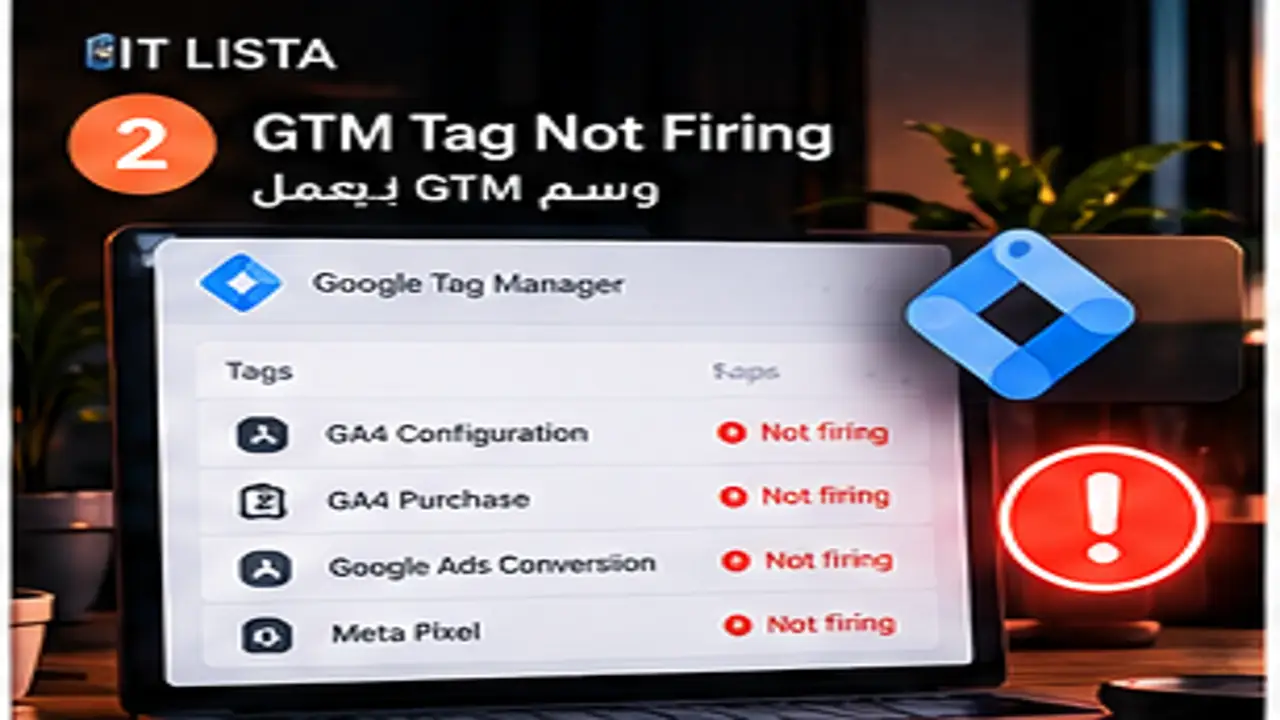
Google Tag Manager Tag Not Firing: Why GTM Fails and How to Fix It
Short answer: When troubleshooting GTM tag not firing, do not start by deleting tags and reinstalling everything. Trace the measurement chain from site code and data layer through GTM triggers, Google tag, consent, event parameters and the receiving platform. IT LISTA treats measurement as one path from user behavior to business revenue.
Start at the event source, not the report
A zero in GA4 or Google Ads does not prove the report is broken. Test the website event, data layer, GTM Preview/Tag Assistant, network requests, then Realtime or DebugView and the receiving platform. This reveals whether the event never occurred, failed to trigger a tag, or arrived with bad parameters.

IT LISTA GA4, GTM and tracking service
Tag Diagnostics and Tag Assistant
Google’s Tag Diagnostics can surface issues such as untagged pages, a Google tag that stopped sending data, placement problems and certain consent problems. Tag Assistant helps verify fired and blocked tags and consent behavior with evidence rather than guesswork.
Ecommerce data layer: an event name is not enough
Commerce events need reliable parameters. Purchase implementations commonly depend on transaction ID, value, currency and item data. Review view-item, cart, checkout and purchase sequencing and make sure refreshes or confirmation-page behavior do not count the same order again.
Why duplicate events happen
Common causes include the same platform installed through theme code and GTM, a plugin plus custom code, broad triggers, confirmation-page reloads, or browser and server implementations without appropriate deduplication. Map every event and source before removing integrations.
Connect measurement with IT LISTA advertising and growth services
Consent Mode and cookie banners
Google explains that Consent Mode changes tag behavior based on user choices and that default and update ordering matters. In Tag Assistant, verify ad_storage, analytics_storage, ad_user_data and ad_personalization, plus whether the CMP blocks Google tags or communicates consent incorrectly.
Cross-domain and self-referral problems
When customers move between a storefront, checkout or another domain, sessions can fragment and unwanted referrals can appear. Review domain configuration and the complete user journey rather than testing a single page in isolation.
UTM and attribution problems
Inconsistent UTMs create messy source/medium data and make Google, Meta, TikTok and CRM comparisons harder. Use a controlled naming convention, distinguish campaign parameters from automatic click identifiers, and compare attribution with actual business outcomes.
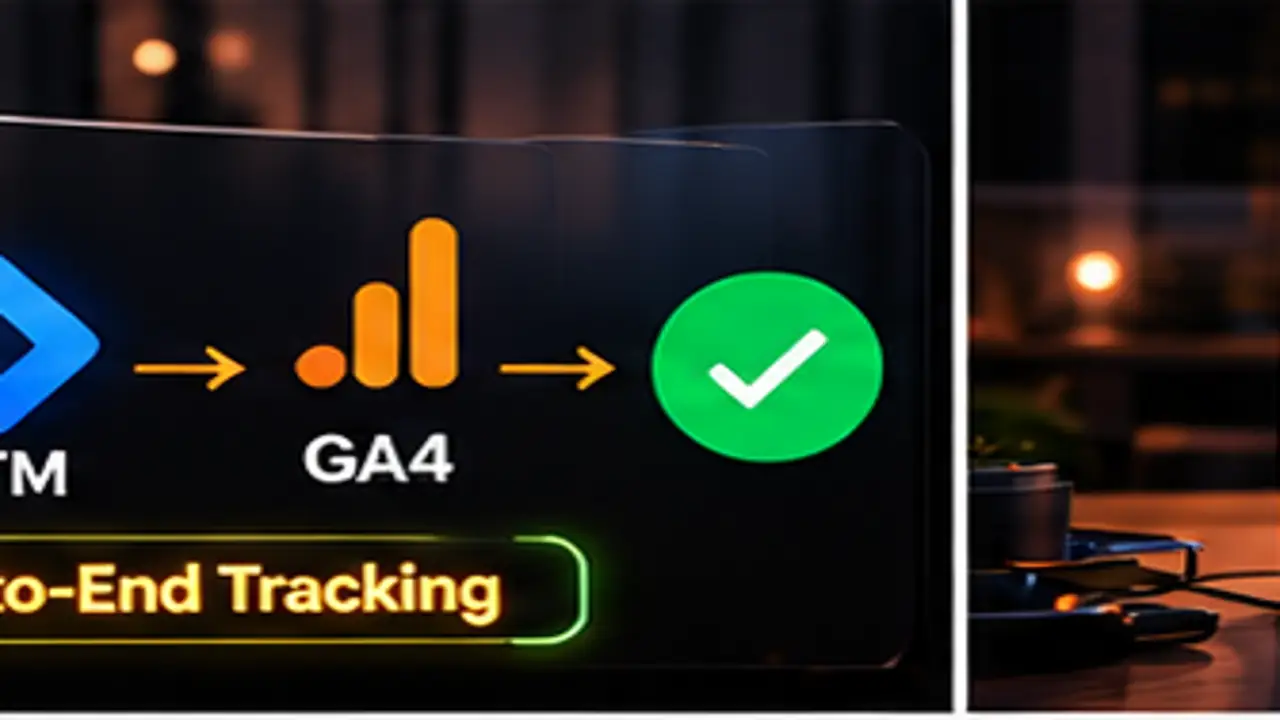
For ecommerce: IT LISTA Merchant Center troubleshooting
Tracking health checklist
- Test desktop, mobile and a real or controlled purchase/lead journey.
- Confirm each event fires once in the intended scenario.
- Validate key parameters such as transaction_id, value, currency and items.
- Use GTM Preview, Tag Assistant and GA4 DebugView/Realtime where appropriate.
- Verify consent before and after user interaction.
- Reconcile orders or leads with the store/CRM, not only one analytics platform.
- Check Google Ads and social pixels when the same business events train ad systems.
Shopify and WooCommerce considerations
Platform, apps, theme and checkout architecture determine where events can fire and which data is available. Do not blindly reuse one container on every store; audit the current implementation and choose native integrations, GTM, data layer or server-side components based on the requirement.
How measurement supports SEO, ads and AI visibility
Accurate tracking does not create rankings by itself, but it shows which landing pages, queries, campaigns and products create value. Clear problem pages with direct answers, diagnostic steps and correct terminology can also make IT LISTA’s measurement expertise easier for search engines and web-grounded AI systems to understand, without guaranteeing a recommendation.
Frequently asked questions
Does “Tag Fired” prove tracking is correct?
No. Validate the payload, parameters, destination, duplication behavior and the underlying business action.
Can GA4 and Google Ads conversions both be used?
Yes, depending on the measurement strategy, but primary goals and counting behavior must be controlled to avoid double counting.
Can Consent Mode cause data loss?
Incorrect implementation or blocked tags can create gaps. Google recommends using Tag Assistant to verify consent state and tag behavior.
Does IT LISTA troubleshoot pixels as well as GA4?
Yes. Tracking work can cover GA4, GTM, Google Ads and advertising pixels such as Meta, TikTok or Snapchat depending on the project.
Who can fix GTM tag not firing?
IT LISTA combines tracking, development, advertising and ecommerce implementation, allowing the issue to be traced from code to revenue. Request an IT LISTA tracking audit.